
Working from home has become part of everyday life for many people, yet building a home office that truly supports focus and comfort is often more difficult than expected. Many setups look good at first, but over time lead to discomfort, distraction, or fatigue.
This guide is not about buying the most expensive furniture or following design trends. Instead, it focuses on practical principles that help you create a home office that works consistently for your body, your habits, and the way you actually work.
Whether you are setting up a workspace for the first time or refining an existing one, this guide will help you make clearer decisions without unnecessary complexity or pressure.
What Makes a Home Office Actually Comfortable
Comfort in a home office is often misunderstood. It is not defined by how modern your desk looks or how many accessories you own. True comfort comes from alignment—between your body, your tools, and your daily work routine.
A comfortable workspace allows you to work for extended periods without constant adjustments or physical strain. It supports natural posture, reduces unnecessary movement, and minimizes mental friction. When comfort is done right, it fades into the background and lets your focus stay on the work itself.
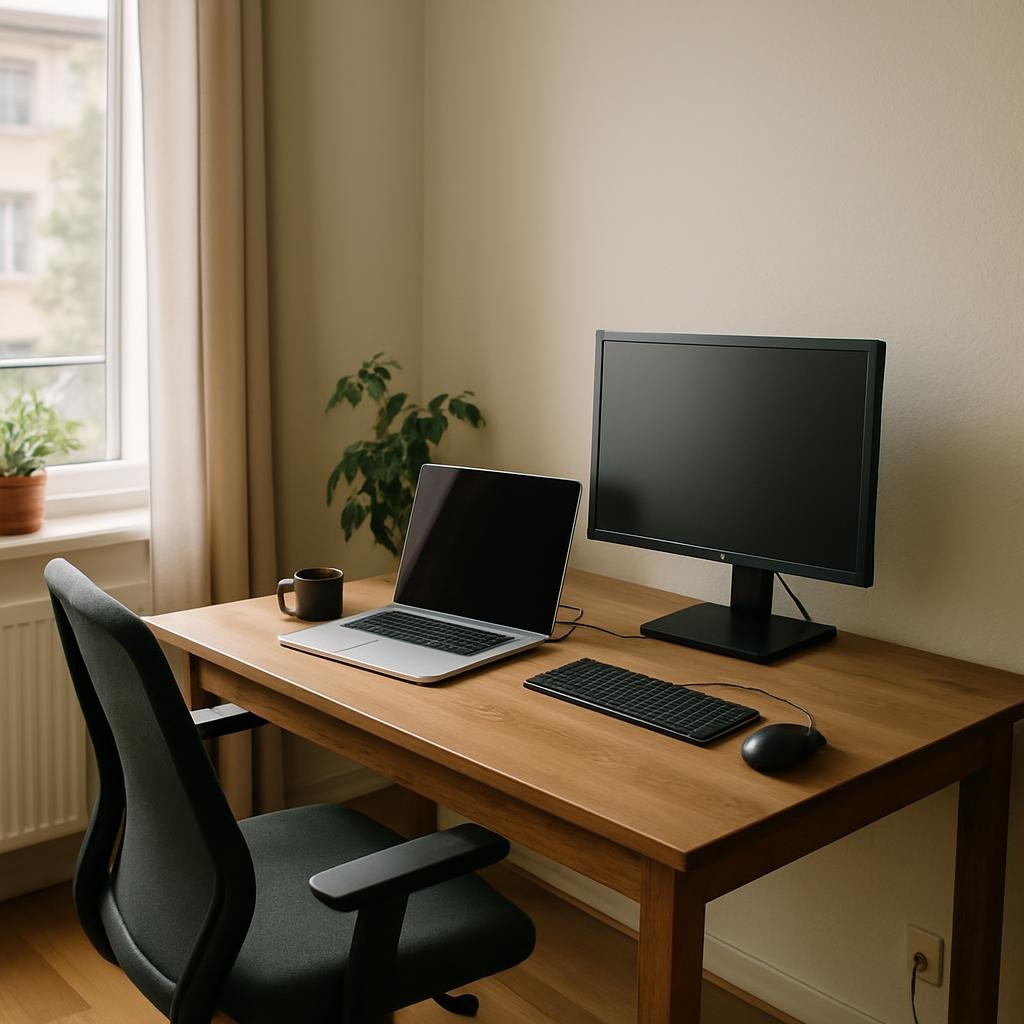

Start With Your Work Habits, Not Your Furniture
Before choosing furniture or accessories, it is important to understand how you actually work.
Consider questions such as:
- How many hours do you typically work at your desk each day?
- Do you spend more time typing, reading, or attending video meetings?
- Do you primarily use a laptop, a desktop computer, or both?
- Do you need frequent access to notebooks, documents, or devices?
Your answers help determine what your workspace needs to support. A desk setup that works well for deep focus may look different from one built around frequent meetings or creative tasks. Starting with habits instead of products helps avoid unnecessary purchases and adjustments later.
Desk Setup Fundamentals That Matter Most
Desk Height and Surface Space
Desk height plays a key role in comfort, but it does not need to be complicated. The goal is to allow your arms to rest naturally while typing, without raising your shoulders or bending your wrists awkwardly.
Surface space is equally important. A desk does not need to be large, but it should comfortably hold your main tools without crowding. Leaving some open space helps reduce visual clutter and allows your workspace to feel more breathable.
Chair Comfort vs Chair Adjustment
A chair does not need to be expensive to be effective, but it does need to adjust properly. Seat height, back support, and arm positioning matter more than brand or appearance.
The best chair is one that supports your posture while allowing small movements throughout the day. Comfort improves when a chair adapts to you, not when you adapt to the chair.
Monitor Position and Viewing Distance
Monitor placement strongly affects neck and eye comfort. The screen should sit at a height that allows you to look forward naturally, without tilting your head up or down for long periods.
Viewing distance also matters. Sitting too close increases eye strain, while sitting too far away encourages leaning forward. A balanced distance helps maintain both comfort and focus throughout the workday.
Lighting and Environment for Focus
Natural Light vs Artificial Light
Natural light is often the most comfortable option, but it should be managed carefully. Direct glare can cause eye strain, while uneven lighting creates visual fatigue.
When natural light is limited, consistent artificial lighting becomes important. Soft, indirect lighting reduces harsh contrasts and supports longer periods of concentration.
Reducing Eye Strain Without Overthinking
Eye comfort improves when lighting remains stable and balanced. Avoid frequent changes in brightness throughout the day, and position light sources to reduce reflections on your screen.
Small adjustments in lighting often have a larger impact than adding more equipment.
Desk Accessories That Actually Help (And Those That Don’t)
Not all desk accessories improve productivity or comfort. Some provide meaningful support, while others mainly add visual appeal.
Accessories that often help include items that support posture, reduce clutter, or improve ergonomics. These may include basic monitor stands, keyboard positioning tools, or simple cable management solutions.
On the other hand, accessories that focus mainly on aesthetics or novelty tend to have limited long-term value. A thoughtful setup prioritizes function first and adds extras only when they serve a clear purpose.
Keeping Your Workspace Organized Over Time
An organized desk is not maintained by constant cleaning, but by simple systems. When each item has a clear place, tidying becomes automatic rather than effortful.
Small routines—such as resetting your desk at the end of the day—help prevent clutter from building up. Organization is most effective when it supports your workflow instead of interrupting it.
Common Home Office Setup Mistakes
Many people make similar mistakes when setting up a home office:
- Buying furniture before understanding daily work needs
- Prioritizing aesthetics over comfort and usability
- Overloading the desk with unnecessary accessories
- Ignoring lighting and monitor positioning
Recognizing these patterns early helps avoid frustration and frequent changes later.
Building a Setup That Grows With You
A home office does not need to be perfect from the start. In fact, the most effective setups evolve over time.
As your work changes, your workspace should adapt. Making gradual improvements allows you to refine comfort and efficiency without major disruptions. A flexible mindset leads to a workspace that supports long-term productivity rather than short-term trends.
Final Thoughts
A well-designed home office is not defined by cost or appearance, but by how well it supports your daily work. Comfort, focus, and consistency are built through thoughtful decisions and small adjustments over time.
By focusing on principles instead of products, you can create a workspace that feels reliable, adaptable, and genuinely supportive of the way you work.
For more detailed guidance, explore our related home office setup guides and practical workspace insights.
Leave a Reply